
DOCUMENTS AND CUSTOMER COMMUNICATIONS

Better documents. Better customer experiences.

Design, generate, deliver, sign, and archive your business documents with DocPath. Connect the full document lifecycle to the systems you already use.


DocPath Solution
DocPath Solution

Connect every step of your document lifecycle

Your customers expect clear, timely communication. When document creation, delivery, and archiving sit in separate systems, every handoff adds work.

DocPath brings these steps together, helping your teams manage customer communications while integrating with your existing business systems.

Designed for the entire customer communication process

Icon_03

Smart templates, without code

Create, update, and version document templates in a visual editor. Use dynamic content to adapt each communication to your customer's data.

Icon_02

Multichannel delivery

Deliver documents through email, print, web, WhatsApp, Apple Wallet, and Google Wallet. Keep the experience consistent across channels.

Icon_01

Signing and traceability

Connect electronic signatures, delivery evidence, and document audit trails in one workflow.

Icon_04

Accessible documents at scale

Generate accessible PDFs as part of your document workflow and support your organization's accessibility requirements.

Built for business-critical communications

LexisNexis Risk Solutions

LexisNexis Risk Solutions

Tens of millions of documents per year. Powered by DocPath since 2014.

IBM Recognition

Recognition

Recommended by IBM for migrations from legacy systems.

Read the full success stories →
DocPath Icon

See DocPath in action

Tell us about your document workflow and the systems you use. Our team will help you explore the right solution and arrange a demo for your business.

FREQUENTLY ASKED QUESTIONS

Any questions?

What can I do with DocPath?

DocPath helps businesses design, generate, distribute, sign, and archive documents. It connects these processes so your teams can manage customer communications across channels.

Can DocPath work with our existing systems?

Yes. DocPath integrates with business systems such as ERPs and CRMs. The implementation scope depends on your applications, data sources, and document workflows.

How long does implementation take?

The timeline depends on your document volumes, data sources, integrations, and migration scope. A DocPath specialist can help define an implementation plan after reviewing your requirements.

Which industries does DocPath serve?

DocPath works with organizations in banking, insurance, logistics, retail, and manufacturing. Explore our success stories to see how businesses use the platform.

LEARN MORE ABOUT OUR PLATFORM

Let's write your company's success story together

DOWNLOAD OUR BUSINESS PROPOSAL

Put the customer experience at the heart of your communications

Discover everything our solutions have to offer.
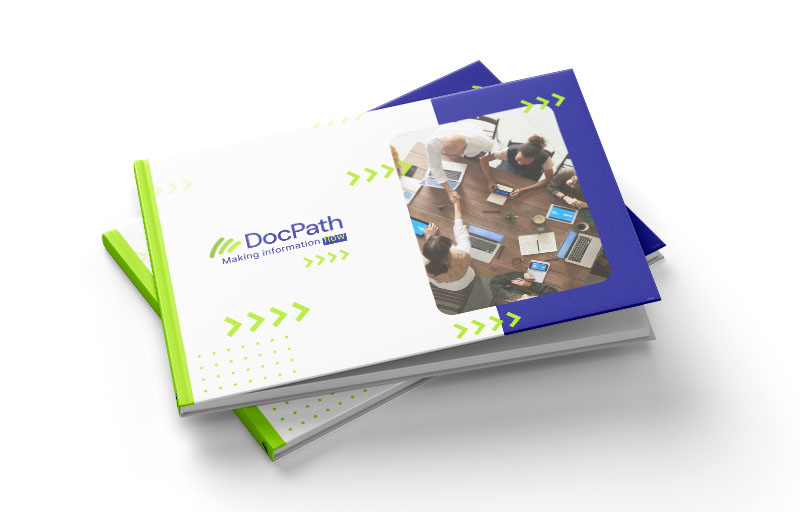
DOWNLOAD OUR BUSINESS PROPOSAL

Put the customer experience at the heart of your communications

Discover everything our solutions have to offer.